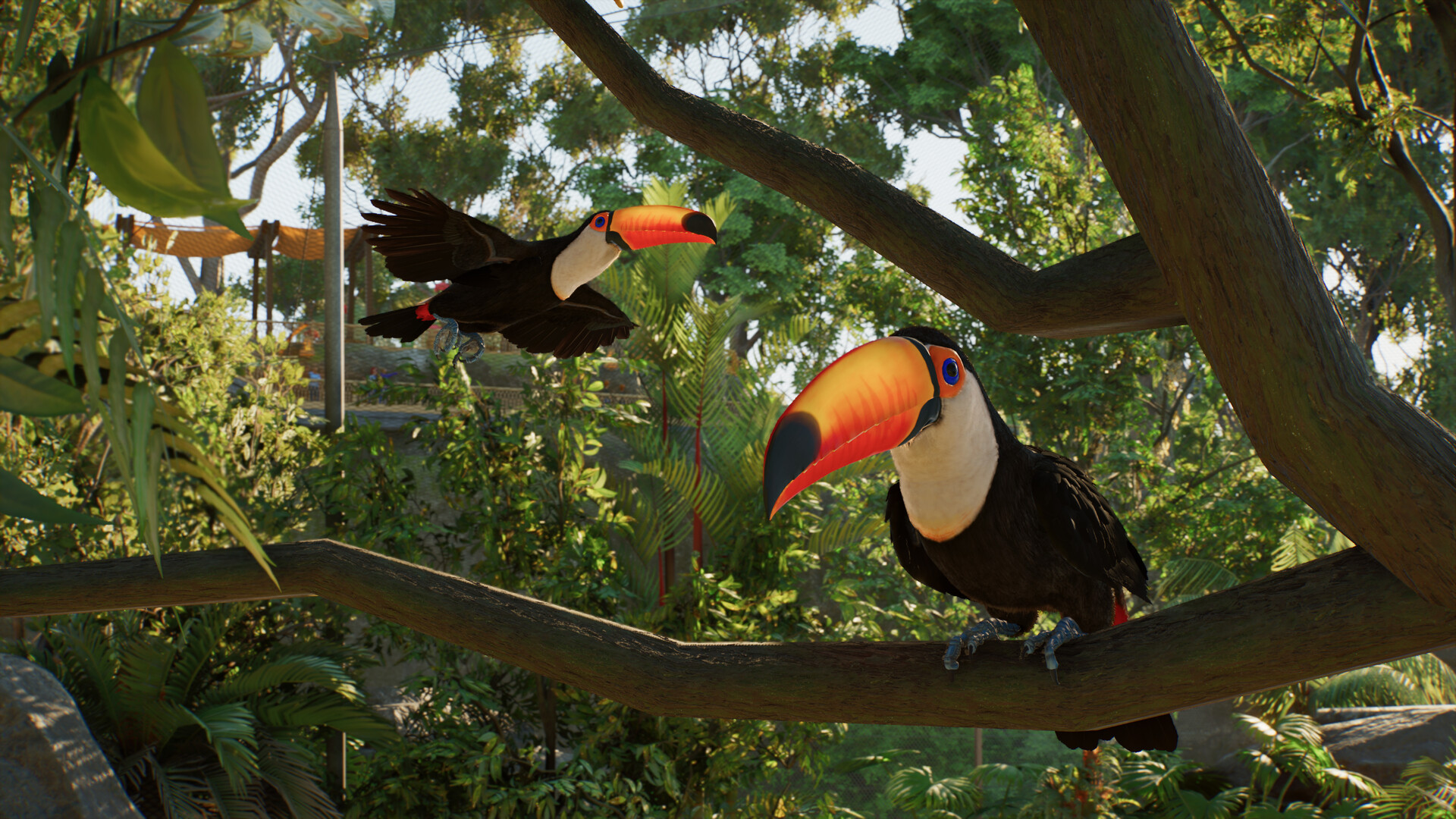
Close the barrier loop, add the staff gate and the Aviary roof, drop support poles, shape the roof with the Roof Curve slider, and place perches, feeders and species-appropriate nests before adopting the birds.
On this page
How to build a Planet Zoo 2 aviary
Lay the barrier loop and staff gate
Lay a contained loop of barriers to form the enclosure, then add a staff gate and connect it to the power network.
Add the roof from the Habitat menu
Select the habitat and choose Add Roof from the Habitat menu. The roof is auto-generated from nearby barrier posts as a flat covering by default.
Place support poles
Place support poles anywhere inside the habitat. The roof automatically reshapes to connect to them. Each pillar's height, rotation, and material are configurable.
Shape the roof curve
Adjust the Roof Curve slider to shape the roof from a taut arch through a flat span to a slack, sagging dome.
Drop enrichment, perches and feeders
Drop enrichment, perches, feeders, and species-appropriate nests inside.
Adopt and release
Adopt the flying species from the Animal Trading menu and release them from Animal Storage.
Flyable Area and welfare signs in Planet Zoo 2 aviaries
Every flying species has a Flyable Area requirement that functions like water depth for fish. The Planet Zoo 2 aviary welfare check that catches air top-height problems uses two signals: the Info Panel value, where each species lists its preferred flyable area in the Zoopedia and Info Panel, and welfare drops — if the roof is too low or the footprint too narrow, welfare drops visibly. Raise the roof via the convexity slider or widen the footprint when welfare falls. Vertical design is preferred over a wide footprint. Tall, narrow aviaries give birds more flight space for the same plan area as the platforms, and the support poles can be tall enough to support birds that prefer high perches.
Perches, feeders, and nests in Planet Zoo 2 aviaries
- Perches
- Arboreal species prefer trees and physics-enabled perches. Place more perches than there are birds so weaker fliers are not pushed off.
- Enrichment
- Hanging feeders, mirrors, and foraging objects keep welfare high and let guests see more behaviour.
- Feeders
- Auto-generated free-floating feeders that staff refill, plus water features for species that bathe.
- Nests
- Cavity nests, cup nests, water platforms, and mud nests, depending on species. Cavity nests include built-in cameras so keepers can monitor eggs without opening the nest.
Walkthrough aviaries and cohabitation in Planet Zoo 2
Two Planet Zoo 2 aviary patterns extend the basic build. Walkthrough aviaries: add a guest gate and run a path through the enclosure. Some birds tolerate visitors while others need private space, and the Zoopedia flags which species accept company. Use only species with the relevant company tolerance, otherwise welfare drops. Cohabitation: compatible species can share space — for example Great Hornbills sharing space with a Malayan Tapir-style arrangement — but check the Zoopedia entry for each species' company tolerance before locking the layout. Mixed-species exhibits share natural environments for higher welfare and stronger education impact, and the conservation record benefits as a result.
Maintenance for a Planet Zoo 2 aviary
The maintenance rules for a Planet Zoo 2 aviary mirror other habitats but with the roof as the unique failure mode. Schedule keeper inspections on the same shift as staff gate maintenance, so barrier condition is checked alongside roof integrity. Use heavier barrier materials around the perimeter; aviary barriers can degrade over time, and heavier barrier materials resist cracking better than lighter ones. Replace lost staff quickly; neglected staff quit, which collapses welfare checks and education delivery together. The roof itself does not need separate maintenance beyond the pole configuration, but staff should walk the perimeter on a regular schedule because cracks in climb-proof barriers are not always visible from the inside.